
Clicksake
Just tap
No app. Hold your phone near the keepsake.
No app requiredWorks on iPhone & Android
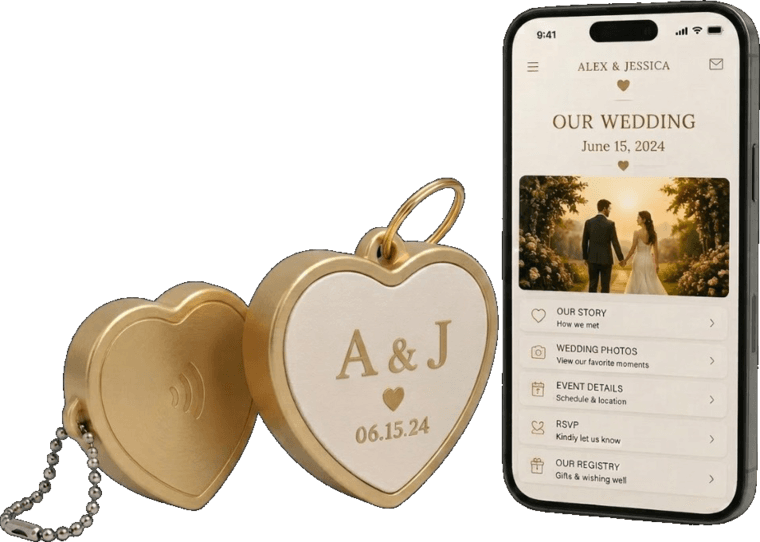
How to tap
Most modern phones read the chip automatically — same idea as contactless pay.
Wake your phone
Unlock the screen. You don’t need to open a browser or install anything.
Hold it near the keepsake
Bring the phone close to the Clicksake. On iPhone, the NFC reader sits near the top edge.
Open the prompt
When a notification or banner appears, tap it. Your phone opens the experience in the browser.
If tap doesn't work
- Scan the QREvery Clicksake includes a QR code on the piece itself. Open your camera and scan it — same destination as a tap.
- Check NFC on AndroidSome Android phones need NFC turned on in Settings. iPhone NFC is always available when the phone is unlocked.
- No NFC?Use the QR backup. You still get the full experience in your browser.
What opens
Your browser opens whatever the giver set up — a page, website, phone call, or other link. Nothing to download.
Need help?
Contact Clicksake